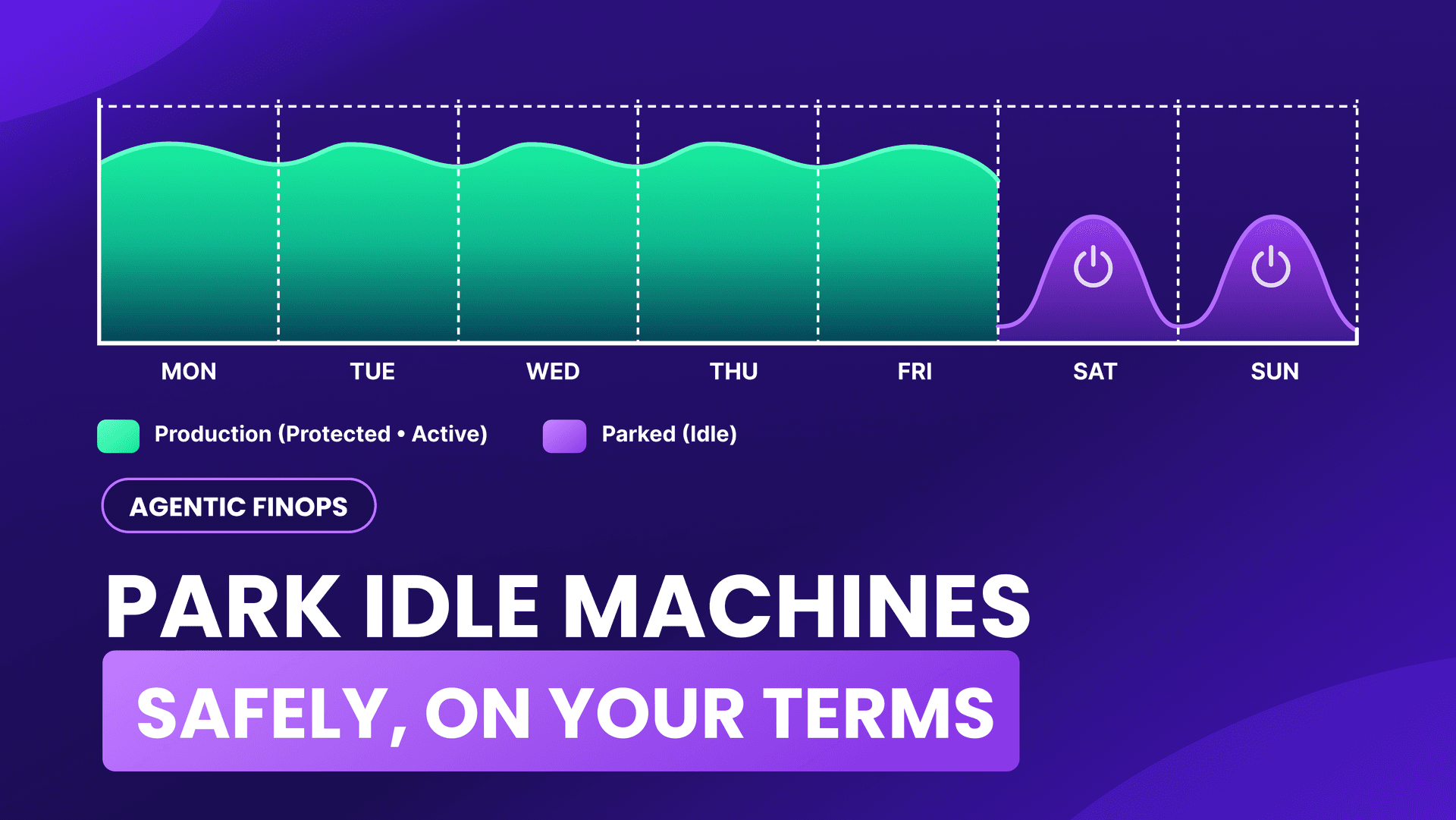
Scheduling instances to stop at night was never the hard part. Doing it across a large organization without stopping the wrong thing is. That gap is what Service Parking closes.
Picture a development and testing fleet on a Monday morning, with cloud instances still running from the weekend. Every instance is billing by the hour, even though no useful work has been done to its full capacity since Friday.
A dev and test fleet left on around the clock runs all 168 hours of the week, while the team might use it for about 50 of them. The other 118 hours are pure cloud waste, and the bill never mentions it.
Almost every infrastructure leader knows this is happening. Far fewer do anything about it, and the reason is not laziness. It is fear. The obvious fix is a script that stops the idle machines on a schedule, but a script that stops “dev” boxes is one mistaken tag away from stopping a production database on a Friday night. Nobody wants to be the person who wrote that tag.
So the honest version of this problem is not technical. Anyone can schedule EC2 instance start stop with a few lines of code. The hard part is doing it across a large, multi-team organization safely enough that people actually trust it and leave it switched on. That trust problem is the whole point of this piece, and it is what FinOpsly built Service Parking to solve.
Why scheduling start and stop is easy, and doing it safely is not
The mechanics are genuinely simple. You tell your machines to stop on Friday evening and start again on Monday morning, and you stop paying for the nights and weekends in between. An AWS instance scheduler or a short cron job can do exactly that, and for a straightforward setup it can be enough.
The trouble starts at scale. A homegrown cron job drifts, and it differs from one team to the next, so nobody can say with confidence what will run tonight. A single wrong tag can reach further than anyone intended. An EC2 instance scheduler that only handles the timing has quietly handed you the part that carries the risk, deciding what is safe to stop, and left you to get it right by hand, every time.
How Service Parking schedules idle machines without disrupting work
Service Parking is a FinOpsly capability that automates the shutdown of idle cloud machines on a schedule, with the safety checks built in rather than bolted on. The idea is that you set the rules once and the platform carries them out, so the savings come from the automation and not from someone watching a dashboard. It is the same instinct behind shift-left FinOps: deal with cost where the decision is made, not after the bill lands.
In practice, a team writes a policy once, choosing machines by business unit, account, or individual resource, and Service Parking runs it on a schedule. A set of guardrails sits around that policy to keep the wrong machines safe, and the comparison later in this piece lays them out check by check. One is worth defining up front: every new policy requires three dry runs before it goes live. A dry run is a simulated run that changes nothing, so the administrator can check that the result is what they intended. Once a policy is live, a dashboard shows how many machines are scheduled out of all your EC2 instances, along with any failed automations, guardrails that fired, and recent rollbacks.
Two guardrails are worth defining now, because they are what make the automation trustworthy. The first is the blast radius, a cap on how many machines one policy can touch in a single run. If a run would go over it, the whole thing halts instead of parking most of them, so the wrong machines never get switched off, and the essential ones keep running. The second is the do-not-park tag, an escape hatch any engineer can stick on any instance so a machine someone is still using simply stays on.
A few practical details matter to the teams who would run this. Service Parking installs no agents and asks for no new cloud credentials; it works from the inventory FinOpsly already holds, and the only new permission it ever needs is the one to stop and start EC2. It runs on AWS EC2 today, with other clouds planned as customers ask for them.
What the savings actually look like
The arithmetic is the same one AWS uses in its own documentation. An instance that runs all week sits at 168 hours. Schedule it to run only in business hours, and that drops to about 50. AWS states that scheduling “can result in up to 70% cost savings for those instances that are only necessary during regular business hours (weekly utilization reduced from 168 hours to 50 hours).”
Put real numbers on it. Say you have 40 non-production instances that cost about $12,000 a month left running around the clock. Move them to a weekday, business-hours schedule and you are paying for roughly 50 hours a week instead of 168. On the AWS figure, that is up to about $8,400 a month saved on that one group, without touching anything in production. Service Parking shows this projection on screen as you choose the scope, so you see the number before you commit to a single schedule. Treat it as an illustration: your saving depends on your instance mix, your rates, and how much of the week each machine truly needs to be on.
How does Service Parking differ from the AWS Instance Scheduler?
The AWS Instance Scheduler is a capable, well-documented tool, and for many teams it is a sensible first stop. It is worth being fair about what it does and clear about where a governed approach adds something, rather than talking it down.
Here is how the two line up on those checks:
| Check | Instance Scheduler on AWS (per AWS documentation) | Service Parking (per FinOpsly) |
|---|---|---|
| Resources | EC2 and RDS instances | AWS EC2 today; other clouds planned |
| Scope | Resource tags, with schedules and periods set by CLI or CloudFormation | Business unit, account, or individual resource, with exclusion tags |
| Accounts | Cross-region and cross-account, including AWS Organizations | Works from the inventory FinOpsly already holds |
| Rehearsal | Simulates running and billing hours for a schedule; no dry run of actual start and stop actions documented | Three dry runs before a policy goes live |
| Reach | No cap on instances per run documented | Cap on instances per policy; the run halts if exceeded |
| Approval | Not documented | Administrator approval for production; change freezes |
| Opt out | No opt-out tag documented | Do-not-park tag any engineer can apply |
| Record and undo | CloudWatch events and error handling documented; no one-click restore command documented | Dashboard of failures, guardrails fired, and recent rollbacks |
The pattern reads straight down the table. Both tools handle the timetable; they diverge on the safety and governance rows, which is exactly where the risk lives at scale. When something still goes wrong, Service Parking dashboard shows the failures, the guardrails that fired, and the rollbacks, so the team can see what happened and make informed decisions so that scheduling across many teams can be done without fearing the one wrong tag.
The savings were never the hard part
Parking idle machines is one of the simplest ways to reduce cloud costs, and it has been possible for years. What stopped teams was never the saving; it was the risk of automating something that could take down production. A scheduler people actually leave running is one that makes the wrong move hard to make, shows its work before it acts, and can be undone when it gets something wrong.
If your dev and test fleet is still running through the weekend, the money is sitting right there. The only real question is whether you can switch it off without losing a night of sleep over it.
See how Service Parking works
Watch Service Parking model your savings live and set the guardrails before a single machine is parked.
Frequently asked questions
How do I stop paying for idle cloud resources without risking production?
Park them on a schedule with guardrails. Service Parking stops idle machines on a timetable, and protects production with exclusion tags, a blast-radius cap, administrator approval, and three dry runs before any policy goes live.
How do I schedule EC2 instances to start and stop automatically?
This is really the question of how to automatically shut down idle cloud resources on a timetable. You define which machines are in scope, set a schedule such as stop Friday evening and start Monday morning, and let the tool run it. Service Parking adds safety checks so a wrong scope does not park the wrong machines.
How is Service Parking different from the AWS Instance Scheduler?
Both stop instances on a schedule, and Service Parking adds the safety and governance a large organization needs: a blast-radius cap, dry runs, production approval, and a global policy that local teams can tighten but never loosen.
How much can scheduling idle instances save?
AWS documents up to 70% savings on instances only needed in business hours, by cutting weekly running time from 168 hours to about 50. The actual figure depends on your instance mix, your rates, and how much of the week each machine needs to be on.