AI Token Spend Management: OpenAI, Anthropic, Bedrock
AI token spend management starts the month your invoice stops answering questions
Picture a VP of FinOps closing October with three sources of AI spend: an OpenAI Platform invoice, an Anthropic Platform invoice, and Bedrock, sitting inside the AWS bill. The total is $60,000, close enough to plan that nothing looks wrong.
Then the CFO asks which team spent what. Four days later the answer still does not reconcile. One Anthropic admin key covers four teams, and $10,000 of the month arrives as a single line nobody can split. Nobody misconfigured anything. The key was created in week one of the pilot, when one team was using it.
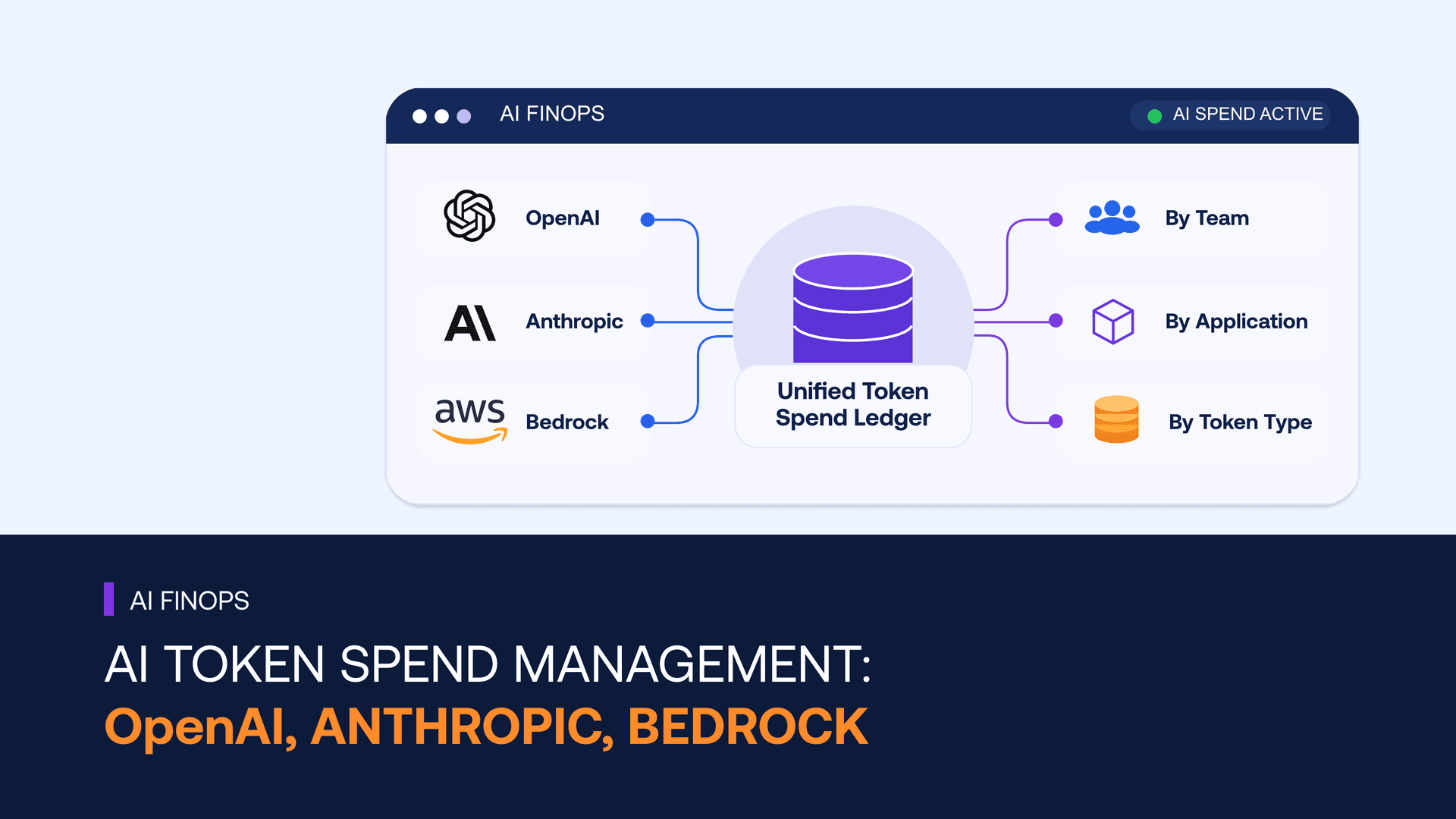
That gap is what AI token spend management closes. It is the practice of tracking what each team, application and customer spends on model tokens, across every provider you use. In practice, that means pulling each provider's usage data into one ledger, counting tokens by type, and giving every key, project and workspace a named owner.
Cheaper tokens have not made AI spend easier to govern
Token prices have collapsed. According to the Stanford HAI AI Index 2025, querying a model at GPT-3.5 level cost $20 per million tokens in November 2022. By October 2024, it cost $0.07. Yet AI bills keep climbing, and unexpected charges keep landing on finance.
The reason is that price per token was never the problem. Attribution is. One shared key can hide four teams behind a single line; every provider groups usage in its own way, and none of them knows who owns a key. So the fix starts with your own usage, not a price list, and the first step is knowing which kind of AI spend you are looking at.
Two kinds of AI spend, and only one of them is per user
Split the spend in two before you track anything, because the split decides which levers exist.
Application AI is the AI inside your product: OpenAI Platform, Anthropic Platform, Amazon Bedrock, and Microsoft Foundry. These bill at the application level, not per seat, so cost per seat is not a question you can ask of them, however much finance would like to.
Workforce AI is what your people use: GitHub Copilot, M365 Copilot, and the chat and coding versions of ChatGPT and Claude. The chat versions are separate products from the platform APIs, even though the vendor name is the same. Workforce AI bills per user, so seats and unused accounts are the right lever.
The token question lives in Application AI, so that is where the rest of this post goes.
How to track token spend across OpenAI, Anthropic and Bedrock
Start with what each provider will actually tell you. None of them will say who owns the spend, and that is the gap you have to close yourself.
| Provider | Where the data lives | Groups usage by | What it cannot tell you |
|---|---|---|---|
| OpenAI Platform | Usage API and Costs API, with an admin key | Project, API key, user, model | Which team or customer used a shared key |
| Anthropic Platform | Usage and Cost Admin API, with an Admin API key | Workspace, API key, model | Spend in the default workspace has no workspace identifier |
| Amazon Bedrock | AWS Cost Explorer and Cost and Usage Reports, plus | Tagged application | Tags are not retroactive, and each |
| CloudWatch token counts | inference profiles | profile covers one model |
How you close the gap depends on the provider. For OpenAI Platform and Anthropic Platform, you map API keys to a project, a team, a department, and a budget owner. For Bedrock and Microsoft Foundry, you map tags instead, because that data already arrives tagged from AWS and Azure.
Once ownership is mapped, pull everything into one table. These columns make the difference between a usage report and an allocation you can charge back.
| Column | What it holds | Where it comes from |
|---|---|---|
| Date, provider and model | The usage day and the model that served it | Provider usage data |
| Key, project, workspace or profile | The provider-level handle | Provider usage data |
| Owner and application | The team and the product responsible | Tags and an ownership register |
| Customer | Who the call served | Request-level tags |
| Tokens by type | Input, output, cached read, cached write, reasoning | Provider usage data or request log |
| Price by token type | The dated rate for each type | Provider pricing |
| Cost | Tokens multiplied by price | Calculated |
Tokens by type matters more than it looks. Anthropic prices a cached read at a fraction of the normal input rate, and OpenAI runs batch jobs at half the price of immediate calls. A ledger that records one undifferentiated token count will overstate what you spent and hide the two cheapest levers you have.
Where FinOpsly fits
You can build all of this by hand. Most teams build it once, then find that keeping it current across three providers, a changing rate card, and a moving set of keys is the job nobody wants.
FinOpsly takes that job on. It connects to OpenAI Platform, Anthropic Platform and Bedrock, keeps pulling usage data, and breaks token spend down by vendor, project, team and department, with attributed and unattributed spend shown side by side. It also splits token spend between Application AI and Workforce AI, and raises governance flags for vendor concentration, model tier cost risk, cache inefficiency, and unattributed spend.
For request-level detail, FinOpsly's AI SDK covers calls to OpenAI and Anthropic. It is designed to record who made each call, the provider and model, token counts including cache and reasoning tokens, latency, the outcome, and an estimated cost. Prompt and response text are not stored. These records are designed to feed the budgets and limits you set, including limits for an individual user, and are planned to roll up into cost to serve, so you can see what an application or a customer costs to serve.
When you want an answer without building a report, Ask FI takes the question in plain words, such as which team spent the most this week. All of it sits inside FinOpsly's AI cost governance platform.
The takeaway
Token prices will keep falling, and AI bills will keep rising. The number that tells you whether you are in control is not the total, which can rise simply because the product is working. It is the share of spend nobody has claimed.
Pull every provider into one ledger, map keys and tags to owners, count tokens by type, and report that unowned share every month. Only then can you ask whether the rest is earning its return.
Which of your AI keys was created for one team, and is now used by four?
Book a demo to see what your AI spend looks like with an owner against every line.
Frequently asked questions
How do we track token spend across OpenAI, Anthropic and Bedrock?
Pull usage from each provider's own interface: the Usage and Costs APIs for OpenAI Platform, the Usage and Cost Admin API for Anthropic Platform, and Cost and Usage Reports plus CloudWatch token counts for Bedrock. Then map keys to owners for the two platforms, and tags to owners for Bedrock, and load everything into one table with tokens counted by type.
What is GPT spend management?
It is AI token spend management applied to OpenAI Platform specifically: tracking what each project, key and model costs, and tying each of them to a team. The method is the same as for any other provider. Only the interface differs.
How do you allocate AI costs by team?
Give every API key, project, workspace and inference profile a named owner before the spend happens, not after. Allocation is a registration problem rather than an analysis problem. Bedrock tags apply only to costs after activation, and spend on a shared OpenAI or Anthropic key cannot be split afterwards. A key or profile created without an owner leaves a line you cannot split later.
Can you set budgets and caps on AI spend?
Yes. Budgets can sit against a team or an application, and FinOpsly's AI SDK is designed to extend limits to an individual user and to block spend before a bill arrives rather than after.
Should coding assistants be tracked the same way?
No. GitHub Copilot, M365 Copilot and the chat versions of ChatGPT and Claude are Workforce AI and bill per user, so the lever is unused seats. The platform APIs are Application AI and bill per request, so the lever is tokens and model choice. Tracking both in one view is useful. Managing them with the same tactic is not.
Learn how FinOpsly governs AI spend with AI cost governance.